The short answer
A local journal, an encrypted cloud copy and a shared summary are different data flows. Choose the services you need, understand their account metadata and keep recovery secrets separate from ordinary support messages.
Period tracker privacy and backup involve a practical trade-off. You may want the simplicity of a local journal, the resilience of an optional backup or convenient multi-device updates. Those are different choices, not one privacy switch.
Rythena's upcoming app lets you use core tracking without an online account. Optional encrypted services add their own account, device and recovery requirements.
Know what stays local by default
The core journal is stored in protected local files. Logging a period or mood does not require you to create a cloud account. You can begin with this simpler arrangement and decide later whether another service would help.
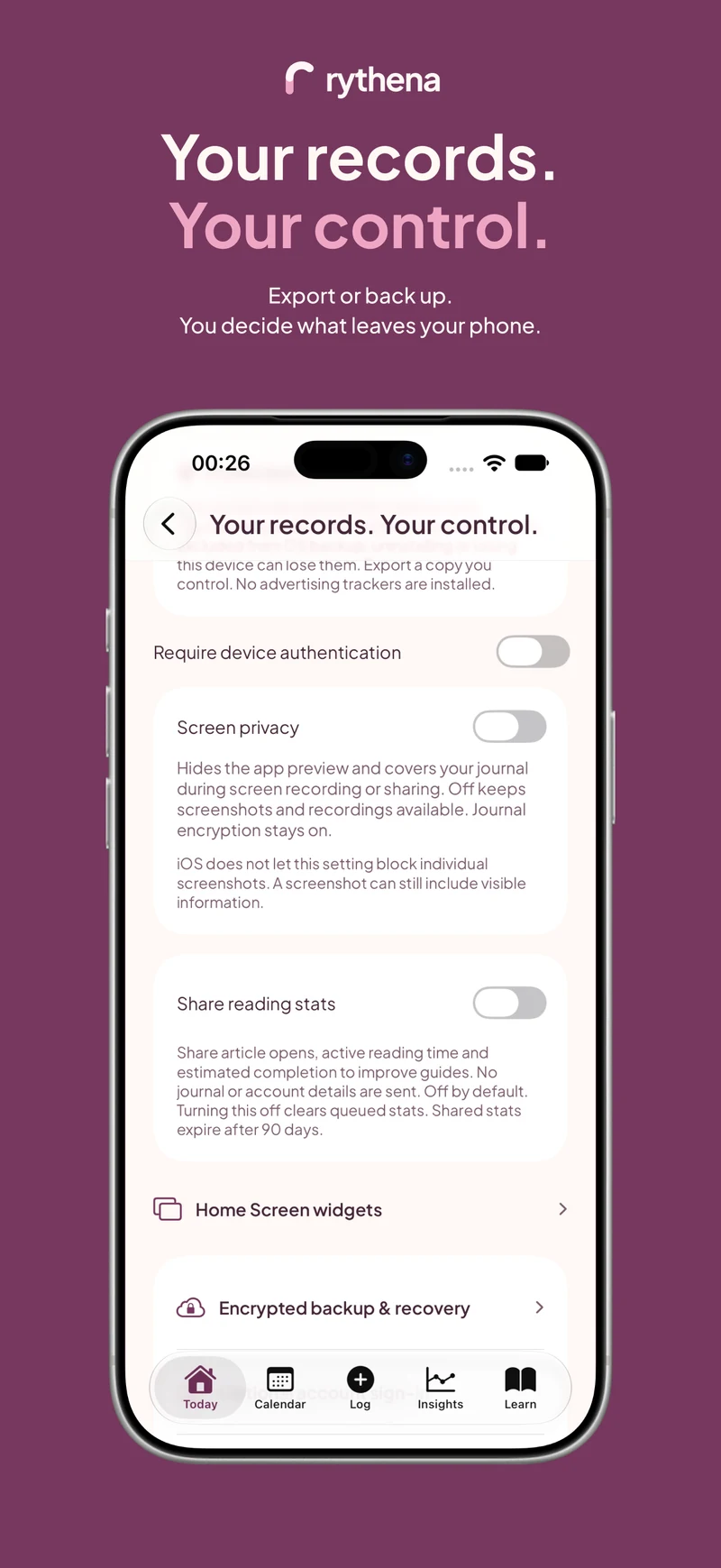
Local storage still depends on how you protect and manage the device. App lock, screen privacy, operating-system controls and exports each affect different situations. No single phrase such as “encrypted” answers every privacy question.
Understand what enabling cloud changes
Optional backup and Plus sync send encrypted copies to the service. Account and device identifiers can also be processed. It would therefore be misleading to describe the enabled arrangement as though nothing ever leaves the phone.
Encryption protects the content of those copies. The full policy explains the associated technical and account data. Read the specific flow you intend to enable rather than assuming a core no-account feature describes the entire product.
Store the recovery key deliberately
A recovery key belongs in a secure place you can access when needed. It should not live only in a location you would lose with the same phone you are trying to protect against losing.
Do not send it to support or confuse it with a partner invitation. A support conversation, an account sign-in and a journal restoration are different tasks. The app's recovery instructions explain what is required; an email address is not automatically a replacement for an encryption secret.
Check exports separately
Creating a PDF or raw export produces a copy you choose to move. The original journal's protection does not automatically follow that file into every app, email thread or shared folder.
Review the content and destination. If the purpose is a one-time appointment, showing a report on your own device may be enough. If you do share, use a method appropriate for the recipient and the information.
Revisit settings when the situation changes
A shared device, a new relationship or a different backup routine can change which choices are useful. Review active sharing connections, widgets and cloud services rather than treating the first setup as permanent.
Reducing partner permissions and revoking access should remain available without a new purchase. When offline, pay attention to pending server confirmation, and remember that already seen or copied information cannot be recalled.
The private period tracker guide provides a checklist. See partner-sharing boundaries and widget privacy for two places where a local record can become visible outside the app's main screen.
Sources & product basis
Product steps checked against Rythena’s upcoming iOS implementation and listing. Examples are illustrative. AI-assisted writing; no clinical sign-off. Sources checked 2 November 2026. Editorial approach and corrections.
Make it a smaller routine.
See the app, check what stays free and choose the tools that help you.