The short answer
A widget is a visible surface, so choose its detail level separately from app lock and screen privacy. It reuses the app's estimates, but iOS decides when refreshes happen.
Period widget privacy is not only about whether a phone is locked. A Home Screen can be visible while you are showing someone a photo, and a Lock Screen may be seen by someone beside you. Decide what information you want outside the journal.
The upcoming Rythena widgets offer useful glances and quick logging with privacy controls. They are optional shortcuts, not a requirement for keeping a period record.
Start with the smallest useful display
Ask what you want from the widget. A discreet route back into the app may be enough. If you want cycle details or an estimated countdown, make that a deliberate choice for the surface where it will appear.
Read the app's widget settings and preview the result on the device you use. App lock does not automatically mean every widget can show detailed information safely. Widgets have their own controls and system constraints.
Keep estimates labelled outside the app
A countdown displayed on a widget is still an estimate. It should use the same underlying forecast as Today rather than inventing a separate number with different assumptions.
If an estimate is unavailable, a meaningful private or unavailable state is preferable to a convincing stale number. A widget does not gain more evidence by being easier to glance at.
Understand quick logging
An interactive shortcut can reduce the steps needed for a familiar observation. It also makes the action easy to trigger quickly, so check what the control actually records and which date it uses.
If you are uncertain, open the app and review the saved result. Do not treat a widget's brief visual response as a substitute for understanding what was added to the journal. Correct an accidental observation at its source.
Allow for refresh timing
iOS controls widget update scheduling. After you edit a period start or change an estimate setting, the app can update its shared source, but the visible widget may refresh later.
For the current saved state, open Today. Repeatedly changing a period date to make a widget move can create a real journal problem while you are trying to solve a display delay. Background scheduling is not an immediate-delivery promise.
Screen capture and storage are different
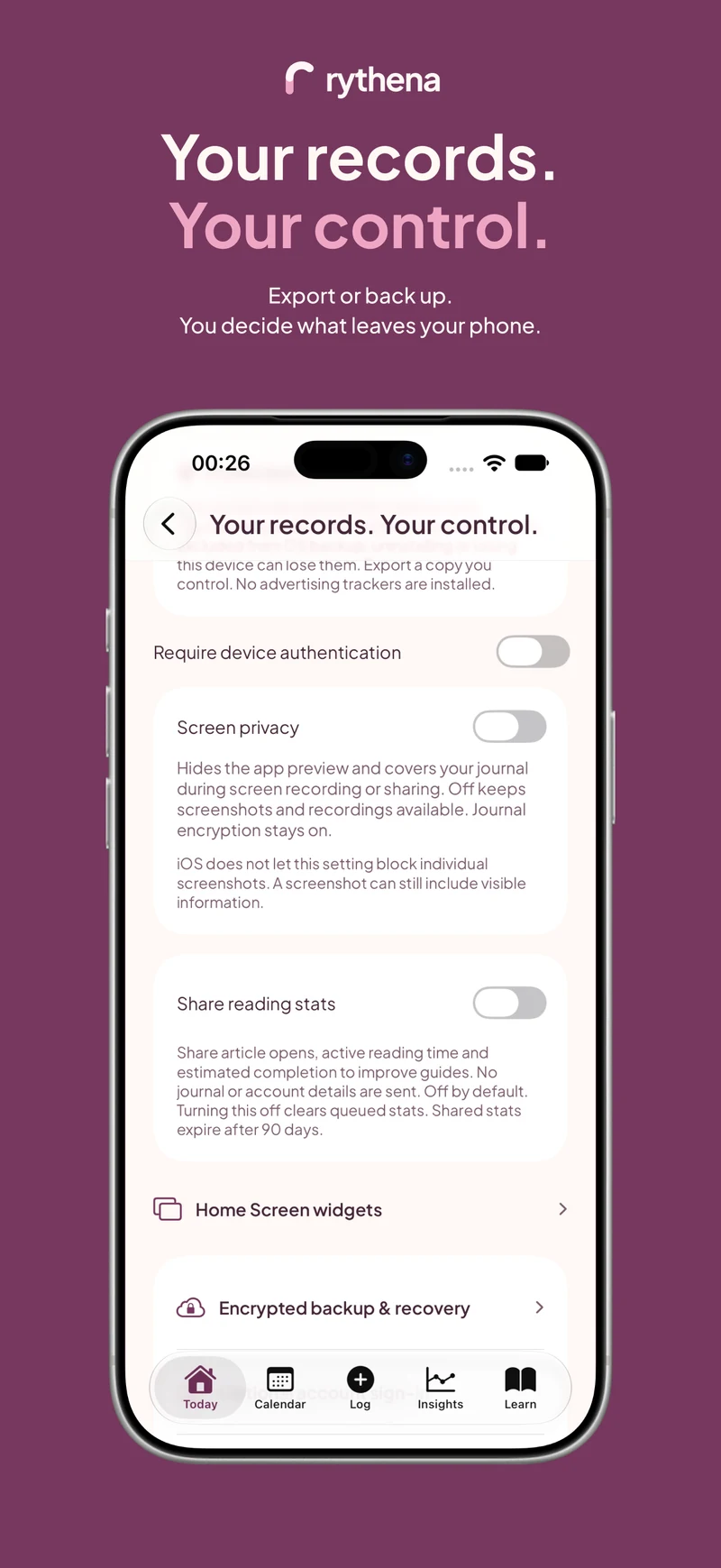
Rythena's screen-privacy setting is optional. Keep it off when you want normal screenshots and screen recording; read its explanation before enabling concealment. Journal encryption remains in place when screen privacy is off.
Separately, consider what appears in notification previews and app-switching states. These controls are about visibility. They do not replace secure storage or give exported files the same protection as the journal.
For a complete view, read the private tracker guide. The countdown guide explains the widget's future-looking date, and why predictions change explains what to inspect after edits.
Sources & product basis
Product steps checked against Rythena’s upcoming iOS implementation and listing. Examples are illustrative. AI-assisted writing; no clinical sign-off. Sources checked 2 November 2026. Editorial approach and corrections.
Make it a smaller routine.
See the app, check what stays free and choose the tools that help you.