The short answer
A prediction can change when its eligible input records change. A corrected start can affect cycle intervals; an explicitly ended episode can affect bleeding duration. These are not reasons to silently change your selected mode.
If you are asking why period predictions change, first look for a changed input rather than assuming the app has discovered something new about your body. A small correction to a period start can affect more than one interval.
A well-explained tracker should let you follow that chain. It should also keep a changed estimate separate from a changed journal observation.
One start can sit between two intervals
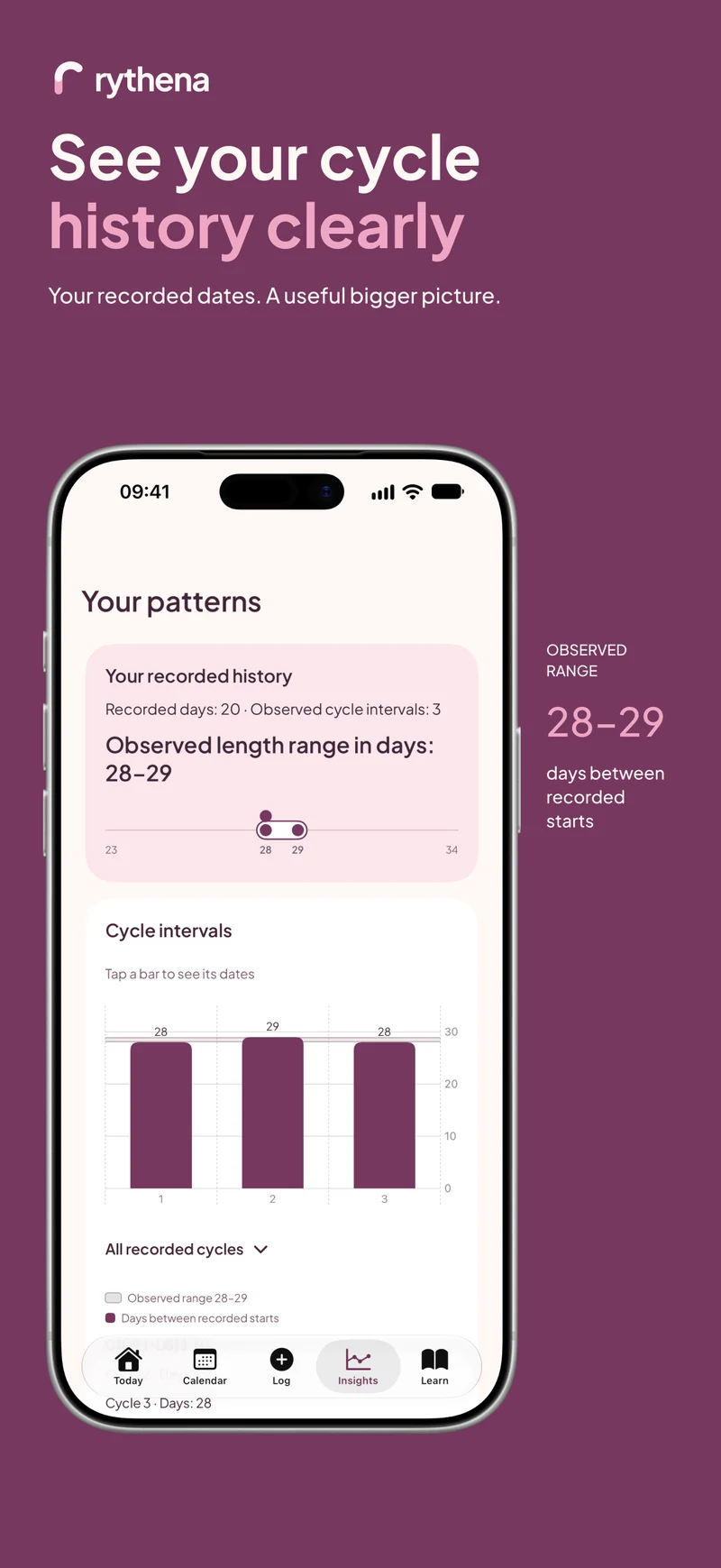
Imagine three synthetic starts on 1 January, 29 January and 27 February. The middle start is the end boundary of the first interval and the beginning boundary of the second.
If that middle date was wrong and you correct it, both adjacent intervals may change. An average or possible-start range built from those intervals can therefore change too. The app is recalculating from your correction, not confirming a biological shift.
An end date answers a different question
Editing the last day of a completed period changes its bleeding duration. That can affect the predicted bleeding span when enough eligible duration history exists.
It should not turn the same duration number into the start-to-start cycle length. When checking a result, ask whether it is the estimated start that moved, the predicted span that changed, or both because you edited more than one input.
Deleting a record can remove eligibility
Removing a mistaken period start may leave too few eligible intervals for history mode. In that situation, an unavailable estimate can be the correct result. The app should not keep using the deleted record just to preserve a countdown.
The same principle applies to future, excluded or contradictory records. More data is not always more usable data. A tracker needs to distinguish a reliable chain from a list of dates that happens to look complete.
Recheck the mode without changing it automatically
Open Cycle details and inspect the selected basis. Manual mode should remain manual unless you explicitly change it; history should remain your choice even if the updated record can no longer produce a forecast.
If you decide to switch, use Edit cycle calculation and save the change yourself. Do not use switching as a way to chase a preferred date. The estimate's usefulness depends on understanding its assumptions, not on how reassuring it looks.
Look at the app before the widget
The app, reminders and widgets use the shared forecast source. However, iOS decides when certain background surfaces refresh. Right after a correction, opening Today provides the clearest view of the current saved state.
If a widget still shows an earlier date, allow for the platform's update schedule. A delayed display is not proof that a separate calculation is intended. Do not repeatedly add new period starts to force a refresh.
For the underlying arithmetic, see calculating cycle length. For a date that has simply passed without a new start, read when an estimated period date passes.
Sources & product basis
Product steps checked against Rythena’s upcoming iOS implementation and listing. Examples are illustrative. AI-assisted writing; no clinical sign-off. Sources checked 2 November 2026. Editorial approach and corrections.
Make it a smaller routine.
See the app, check what stays free and choose the tools that help you.