The short answer
Start with the first day of your period. Record its end when you know it, then add symptoms or moods only if they are useful. You do not need to complete every tracking category.
A useful answer to how to track your period begins with two dates, not a long daily questionnaire. When did bleeding start, and when did that period finish? Those dates give your journal a structure. The rest can be as small as a mood, a symptom or nothing at all.
This guide describes the upcoming Rythena app for iPhone and iPad. Its free journal is designed around optional observations, so choosing to track less is a valid way to use it.
Start with what you actually know
During setup, you can enter your last period start and usual cycle length. If you do not know them, leave them unanswered. A setup answer helps an early estimate; it is not the same as a saved daily observation.
Avoid choosing a date just to make the calendar look complete. When you later find an old calendar entry or remember a date confidently, you can correct the record. Unknown information should remain unknown rather than becoming a convincing-looking history.
Use Start period for an ongoing period
When a new period begins, use Start period on Today and check the date before saving. Today can then show which day of the tracked period you are on. You do not have to reopen the app each morning to keep that ongoing episode open.
When it finishes, use End period and select the actual last day. If you are entering an older completed period, record both its start and end. The app should not interpret a day you did not log as proof that bleeding stopped.
The episode counter describes elapsed days in your tracked period. It does not claim that you saved an observed flow intensity on every intervening date. Add flow observations separately when those details are useful.
Make a daily check-in as small as you like
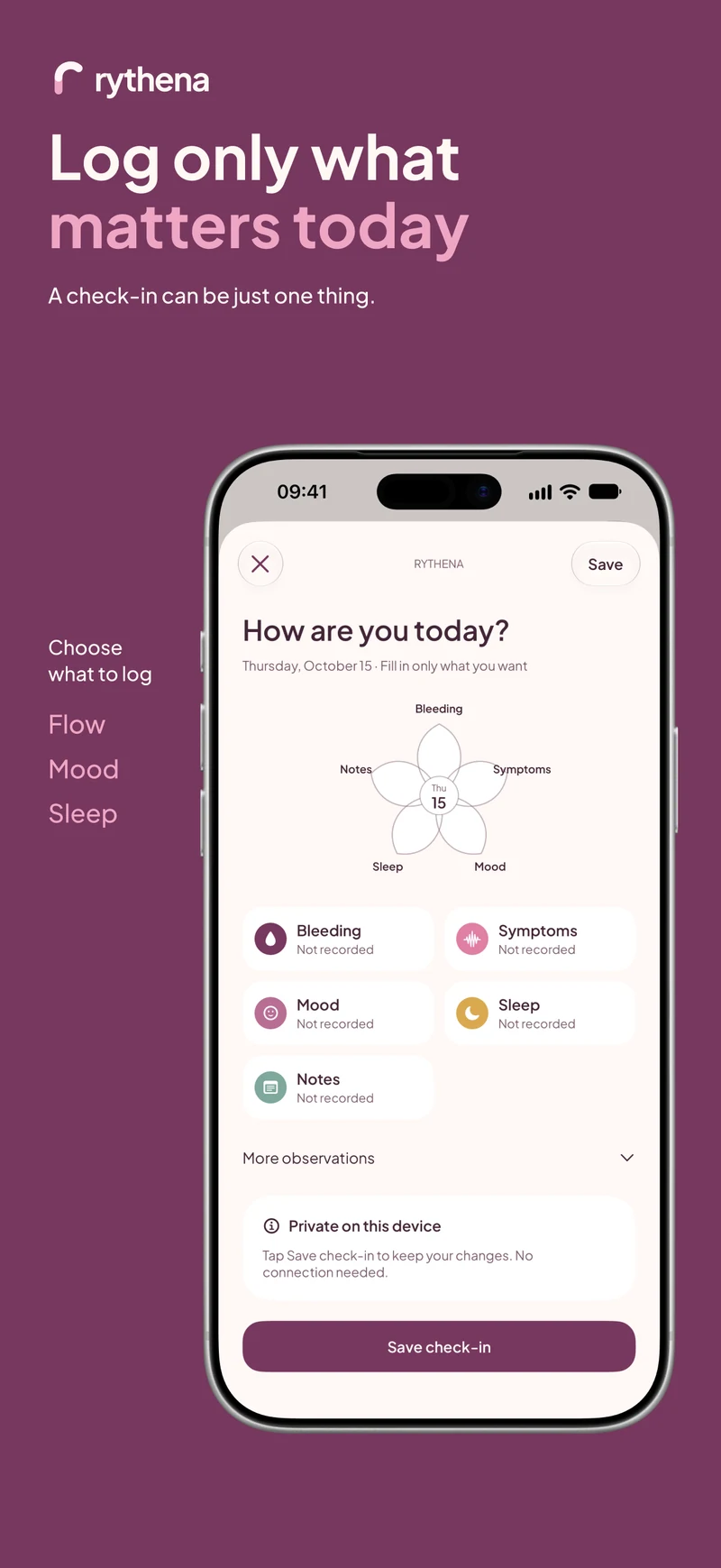
Open Log today, choose a category and save one thing. You might choose a mood on a busy day, or cramps on a day when discomfort interrupted your plans. Other categories can stay untouched.
If you open a category but decide not to use it, leave it unchanged. Before saving, check the selected date, especially when adding something you remember from yesterday. A short accurate record is more useful than a detailed record attached to the wrong day.
Read the calendar in layers
Recorded information and estimates answer different questions. A recorded period says what you saved. Predicted bleeding suggests a future span. An estimated start-date range expresses uncertainty around when that future period might begin.
Optional fertility information is another layer. You can keep it off if you only want a period journal. Calendar estimates do not confirm ovulation and must not be used as birth control.
Build a routine you can maintain
Try linking your check-in to an existing moment, such as putting your phone on charge. Choose one or two categories that answer a question you actually have. If logging starts to feel like homework, reduce the number of categories rather than abandoning the journal.
After some time, look at Calendar or your full history. Notice whether your record helps you remember dates or explain an experience. You do not need a complete diary to benefit from a clearer account of what happened.
For the difference between period days and start-to-start intervals, read the cycle-length calculation guide. For a visible next-period date, see how the period countdown works.
Sources & product basis
Product steps checked against Rythena’s upcoming iOS implementation and listing. Examples are illustrative. AI-assisted writing; no clinical sign-off. Sources checked 2 November 2026. Editorial approach and corrections.
Make it a smaller routine.
See the app, check what stays free and choose the tools that help you.